Test APIs and write scripts in Insomnia
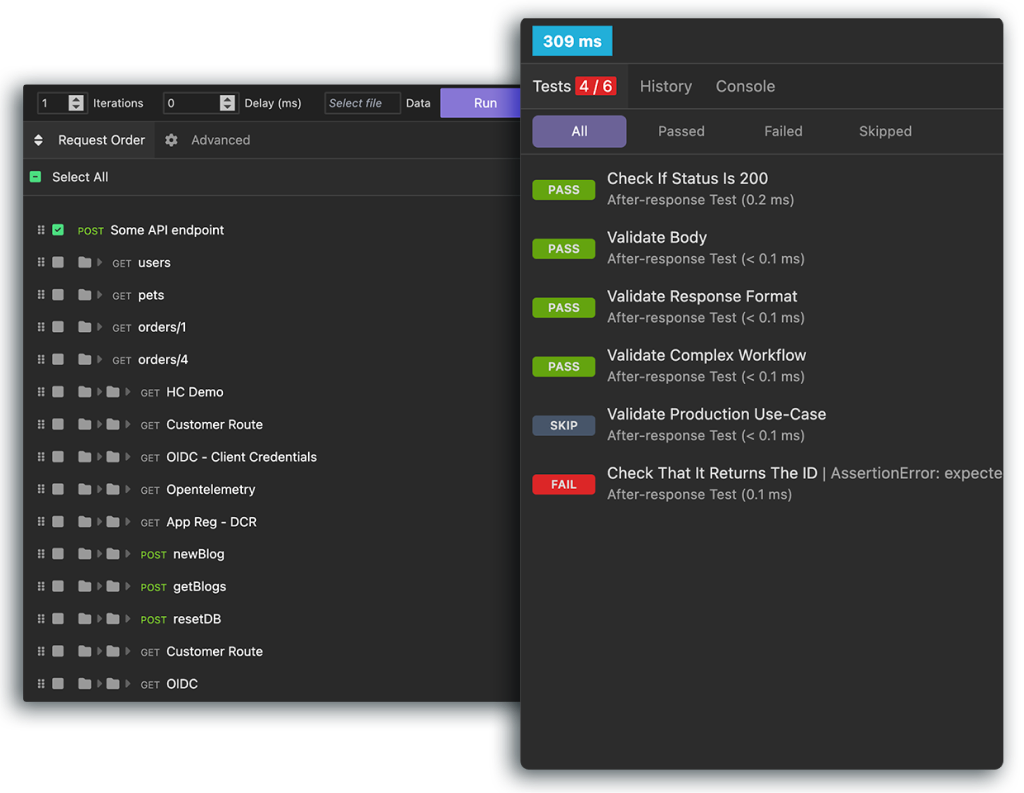
Insomnia has several testing features that can help you ensure the quality of your APIs:
- Pre-request and after-response scripting to add logic to your requests
- Automate your tests with Inso CLI
- Test complex workflows by chaining the responses from requests together
- Execute unlimited test runs simultaneously
- Import your tests from Postman
- Use the full range of Chai
assertassertions in both post-request and legacy unit test scripts
v13.3+ Legacy unit tests are hidden by default and are planned for deprecation in a future release. An API Collection that already contains legacy unit tests still shows its Tests tab automatically. To show the Tests tab on every API Collection, go to Preferences > General > Application and enable Show legacy unit tests.
For new and existing work alike, the recommended way to test in Insomnia is pre-request and after-response scripts.
Cookie management
Insomnia automatically stores cookies from every response and sends them with future requests as needed, just like a web browser. You can manage cookies within each workspace by clicking Cookies, which opens the cookie manager. From there, you can view, modify, or delete cookies.
Sending and storing cookies is enabled by default, but can be customized per request in the request settings dialog.
Use template tags to reference cookie values in headers, bodies, or query parameters of other requests.