In addition to the standard Kong Gateway configuration tools, Konnect provides a drag-and-drop flow editor for Datakit. The flow editor helps you visualize node connections, inputs, and outputs.
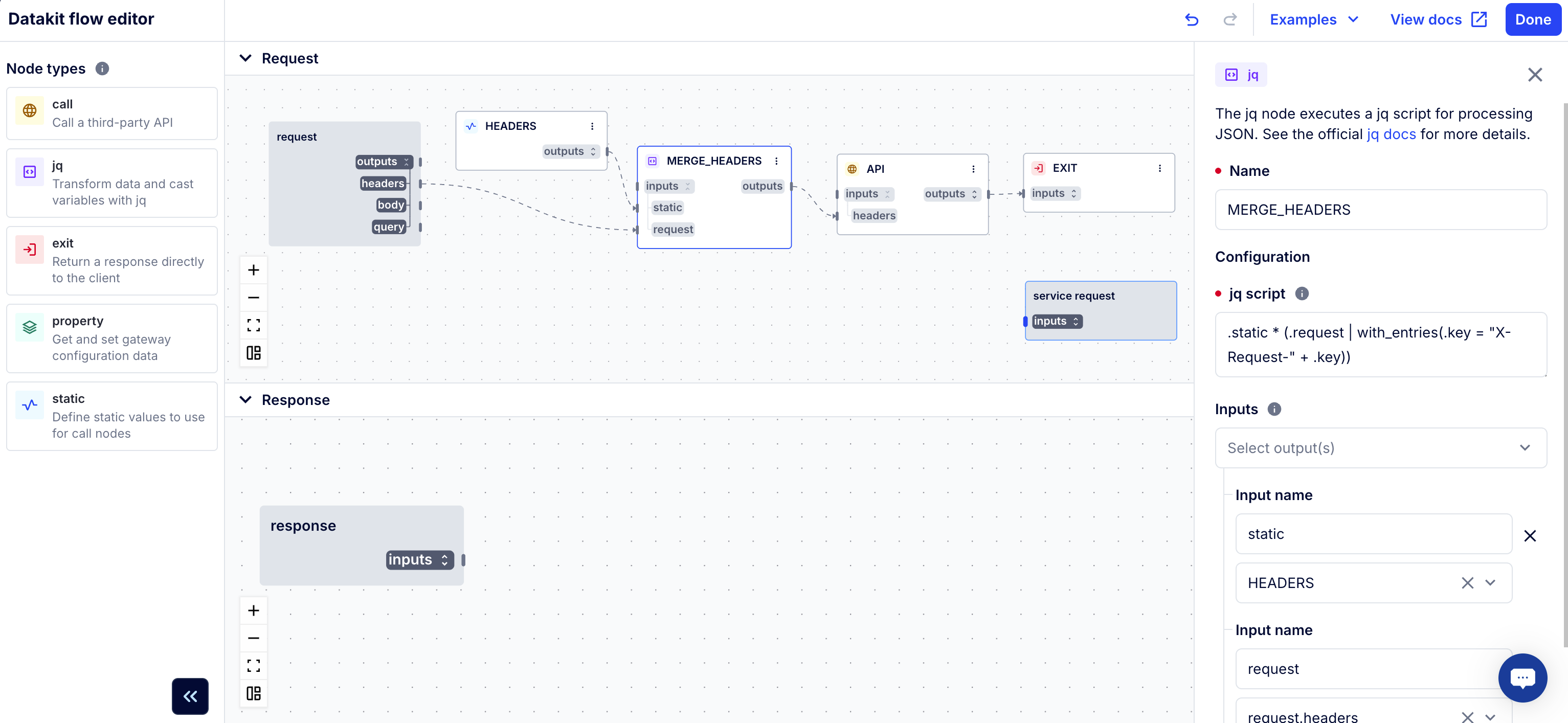
Figure 1: The Datakit flow editor opens in a full screen with a list of nodes, a drag-and-drop diagram, and detailed configuration options for each node.
You can find the flow editor in the Datakit plugin’s configuration page in Konnect. From here, you can configure Datakit in one of two ways:
- Using the visual flow editor
- Using the code editor
Any changes you make in one editor are reflected in the other. For instance, if you have a YAML configuration for Datakit that you want to visualize, you can add it to the code editor, then switch to the flow editor to see it in flow format.
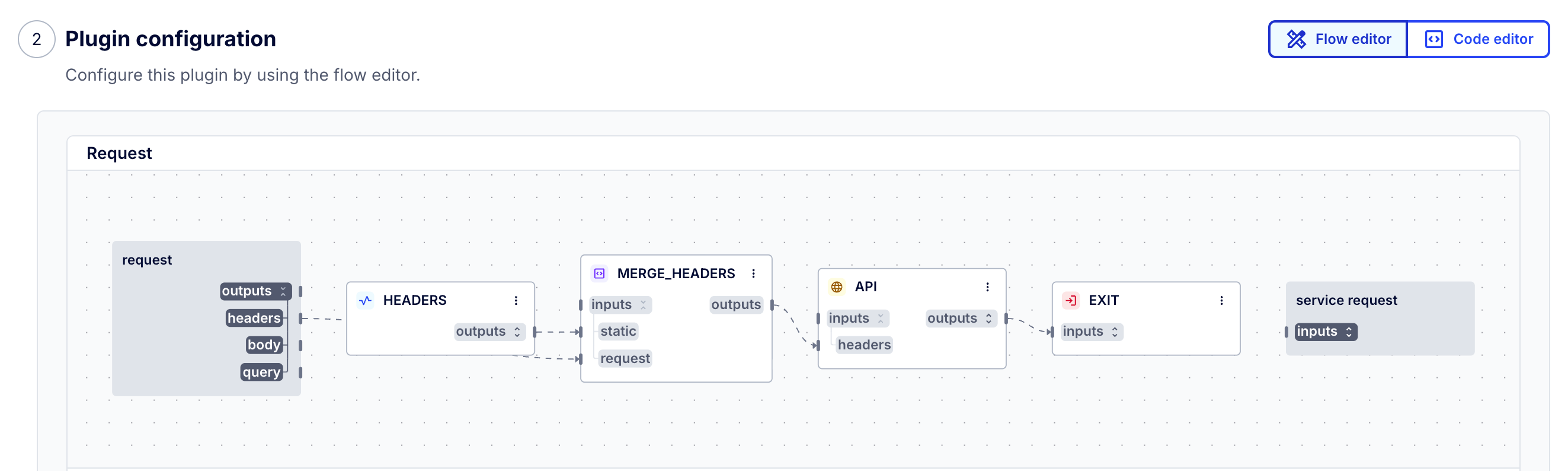
Figure 2: Toggle the Datakit plugin configuration to the Flow Editor to edit configuration using drag-and-drop. The flow editor shows a preview of the diagram, which you can click to edit in a full screen.
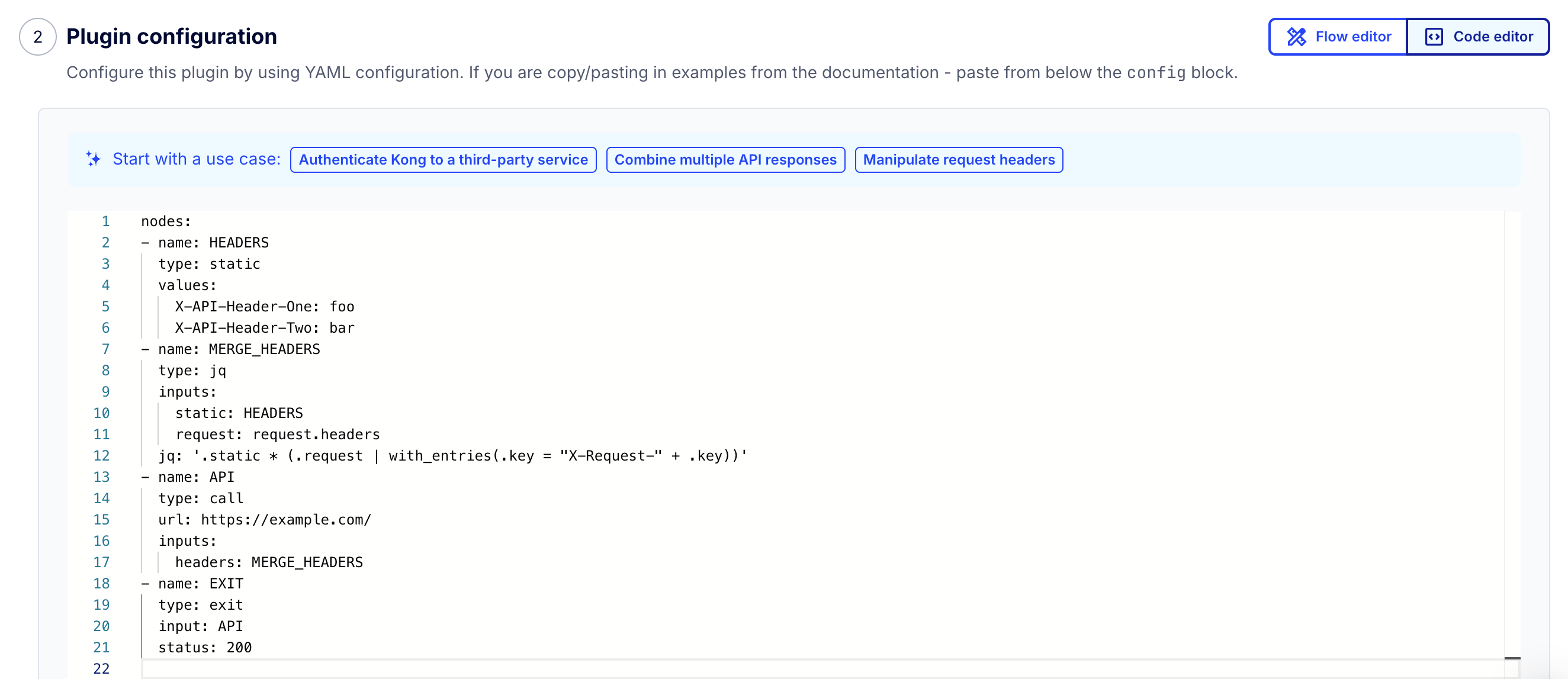
Figure 3: Toggle the Datakit plugin configuration to the Code Editor to edit configuration in YAML format.
Using the Datakit flow editor
To configure Datakit using the flow editor:
- In the Konnect sidebar, navigate to API Gateway.
- Click your control plane.
- In the API Gateway sidebar, click Plugins.
- Click New Plugin.
- Click Datakit.
- In the Plugin Configuration section, click Go to flow editor.
- In the editor, drag any node from the menu onto the canvas to add it to your flow, or click Examples and choose a pre-configured example to customize.
- Expand the
inputsoroutputson a node to see the options, then connect a specific input or output to another node. - Select any node to open its detailed configuration in a slide-out menu.
- Fill out the configuration. Any changes to inputs or outputs will be reflected in the diagram.
- Click Done.
Notes:
- Each input can connect to only one output, but one output can accept many inputs.
- Your nodes don’t have to connect to the prepopulated
request/service requestorresponse/service responsenodes. Whether you need them or not depends on your use case. Check out the Examples dropdown in the editor for some variations.