Custom Dashboards
Overview
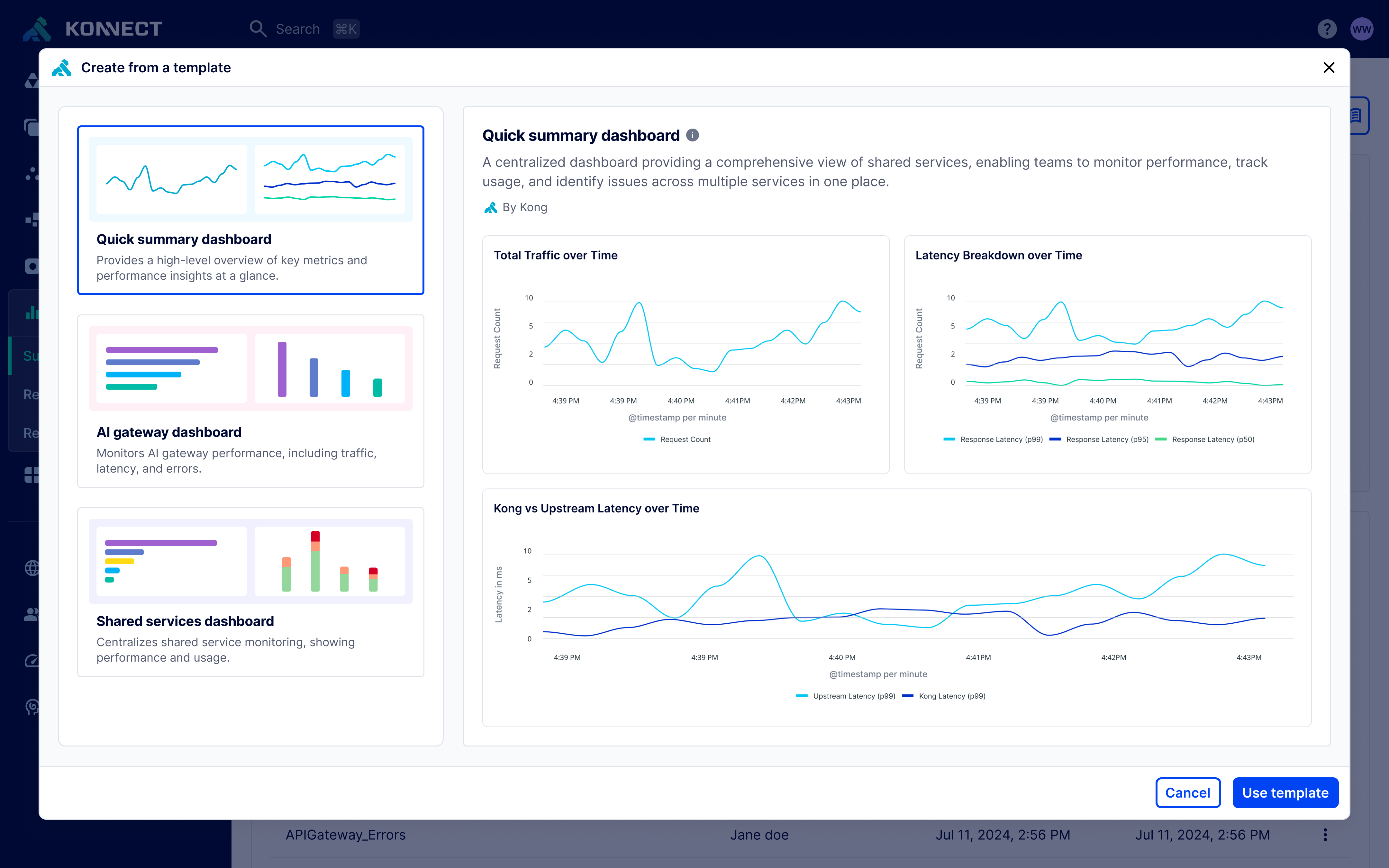
Custom dashboards in Konnect Observability allow you to visualize and share key API, LLM, and platform metrics and insights with flexibility and control. You can create dashboards manually or automate them via the API.
Custom dashboards support:
- Templates for fast creation
- Reusable definitions for automation
- Sharing dashboards with other Konnect users and teams
- Access control via RBAC roles
- Provisioning through Terraform and the Konnect API



Who can create and manage custom dashboards?
The Org Admin, Analytics Admin, and Dashboard Creator roles can create and manage custom dashboards in Konnect. If you share a dashboard with a user or team, you can also grant them Editor and Admin access for that specific dashboard. To share a dashboard, navigate to the dashboard and click the action menu icon, and select “Share”.
How can I give my team read-only access to dashboards?
Assign the Viewer role to your team. They will be able to view dashboards shared with their group but not create or edit them.
Alternatively, if you only want to grant read-only access to certain dashboards, you can share them with users and teams by clicking the action menu icon, and selecting “Share”. You can add users and teams to share the dashboard with them and configure their access level (Viewer, Editor, or Admin).
Once I create a dashboard from a template, can I customize it?
Yes. Templates are intended as starting points. Once you create a dashboard from a template, you can modify tiles, filters, and layouts as needed.
Can I download dashboards as PDF?
PDF export is not yet available, but may be considered in a future release.
Can I upload my own template?
Uploading your own template is not yet available, but may be considered in a future release.
How can I share dashboards with other Konnect users and teams?
Navigate to the dashboard in Observability, click the action menu icon, and select “Share”. You can add users and teams to share the dashboard with them and configure their access level (Viewer, Editor, or Admin).